Agents that do real work: a pragmatic multi-agent design
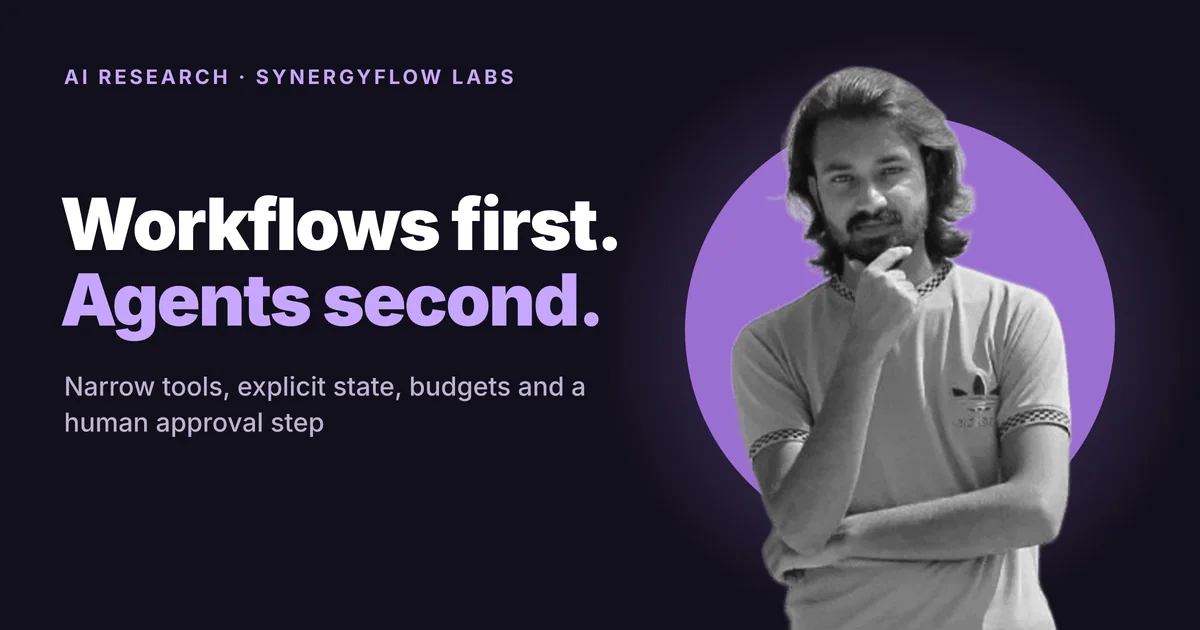
Start with a workflow and add an agent only where the path can’t be known. The design I use at SynergyFlow Labs: narrow tools, state, budgets and approvals.
On this page 5 sections
At SynergyFlow Labs we build software that does work rather than just showing it: following up on leads, drafting WhatsApp replies in Urdu, reconciling invoices. “Agentic AI” is the label, but the hard part isn’t the model. It’s everything around it.
Workflows first#
Most business processes are predictable. If you can draw the steps on a whiteboard, write them as code and use the LLM inside specific steps: classify this message, extract these fields, draft this reply. That’s a workflow, and it’s easier to test, cheaper to run and simpler to debug than an autonomous agent [3].
Fixed workflow vs. autonomous agent
Pros
- Workflow: predictable cost and latency
- Workflow: easy to test step by step
- Agent: handles open-ended tasks
- Agent: adapts when a step fails
Cons
- Workflow: breaks on cases you didn't plan for
- Agent: harder to test and audit
- Agent: cost and latency vary a lot
- Agent: can loop or take wrong actions
I reach for an agent loop only when the number and order of steps genuinely depend on what the model finds along the way, like researching a lead across several sources.
The agent loop#
The core loop is the ReAct pattern [1]: the model reasons about what to do, calls a tool, observes the result and repeats until it’s done.
- 01Goal + statewhat we know so far
- 02Thinkpick the next action
- 03Actcall one tool
- 04Observeappend the result
- 05Done?or loop, within budget
async function runAgent(goal: string, tools: Tool[], budget = { steps: 12, usd: 0.5 }) {
  const state: Step[] = []
  for (let i = 0; i < budget.steps; i++) {
    const action = await llm.decide({ goal, state, tools: tools.map((t) => t.spec) })
    if (action.type === 'finish') return action.result

    const tool = tools.find((t) => t.name === action.tool)!
    // irreversible actions wait for a human
    if (tool.irreversible && !(await approve(action))) {
      state.push({ action, result: 'rejected by human' })
      continue
    }
    state.push({ action, result: await tool.run(action.input) })
    if (spent() > budget.usd) break
  }
  return escalate(goal, state) // hand over to a person with full context
}
Design rules#
Narrow tools with typed inputs
send_whatsapp(to, template_id, vars)is safer thansend_message(anything). Models are good at learning to use well-described tools [2], and narrow tools limit how much damage a mistake can do.Explicit state, outside the prompt
Store each step’s action and result in the database. You get audit trails, resumability after crashes, and the ability to replay a run when debugging.
Budgets on everything
Max steps, max cost, max wall-clock time. An agent without a budget will eventually find a loop.
Humans approve the irreversible
Sending money, emailing a customer or deleting data needs a person to click approve, at least until you have weeks of logs showing the agent gets it right.
Escalate gracefully
When the agent gives up, hand the task to a person with the full trace, so they don’t start from zero.
Multi-agent, carefully#
On my portfolio I show six agents: research, planning, coding, sales, support and operations. In practice, “multiple agents” mostly means multiple prompts and tool sets with clear handoffs, coordinated by plain code. A planner that delegates to specialists can work well, but every extra agent adds latency, cost and a new place for things to go wrong.
My rule of thumb: split into separate agents when the tools or context are genuinely different (the sales agent should never see deployment tools), not just because it looks good in a diagram.
How I evaluate agents#
- Task success rate on a fixed set of realistic tasks, rerun on every prompt or model change.
- Steps and cost per successful task, because a correct agent that costs too much is still a failure.
- Human override rate: how often people reject or edit the agent’s proposed actions.
- Trace review: reading 20 full runs a week catches problems no metric shows.
Questions readers ask
When should I use an AI agent instead of a workflow?
Use a fixed workflow whenever you can draw the steps in advance, and call the LLM inside specific steps. Reach for an agent loop only when the number and order of steps depend on what the model finds along the way.
How do you keep AI agents safe in production?
Give them narrow, typed tools, explicit stored state and budgets on steps, time and cost, and require a human approval step for anything irreversible.
When does a multi-agent design make sense?
Split work into multiple agents when parts need different tools or different context, not because the architecture diagram looks better.
References
- Yao, S. et al. ReAct: Synergizing Reasoning and Acting in Language Models. ICLR, 2023. https://doi.org/10.48550/arXiv.2210.03629
- Schick, T. et al. Toolformer: Language Models Can Teach Themselves to Use Tools. NeurIPS, 2023. https://doi.org/10.48550/arXiv.2302.04761
- Anthropic. Building effective agents, 2024.