Write a README people actually read
A README is the landing page of your code. Four questions to answer in order, plus a template for open-source projects, client handovers and internal tools.
On this page 3 sections
I’ve handed over a lot of client projects, and I’ve inherited even more. The difference between a two-hour onboarding and a two-day one is almost always the README.
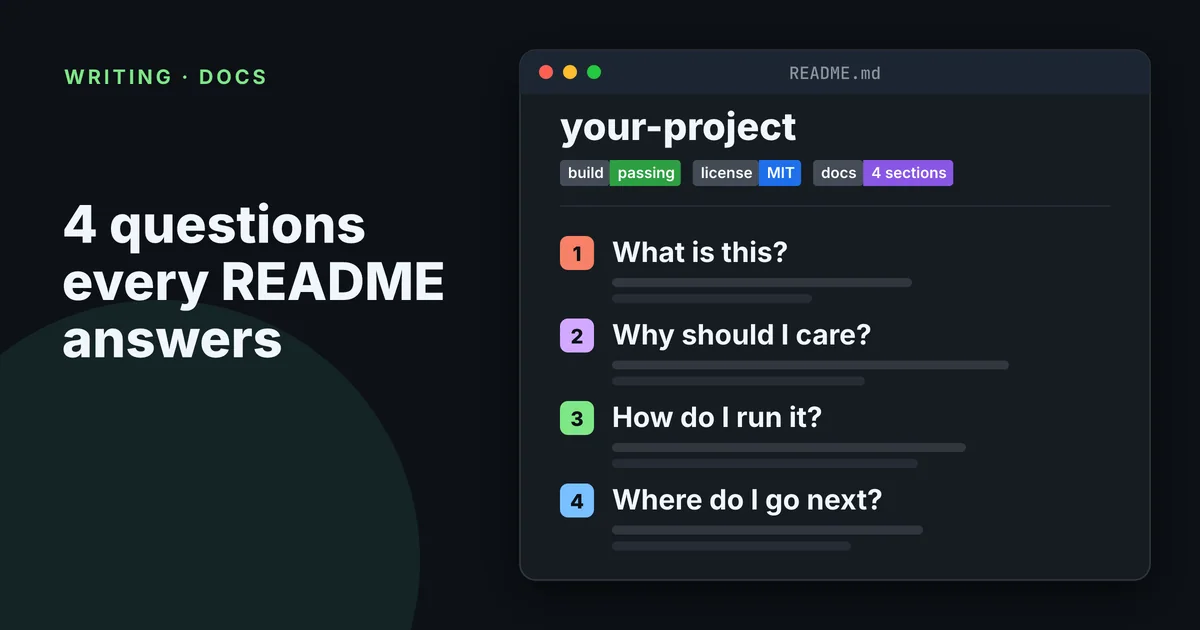
The four questions#
What is this?
One sentence, at the very top, that a non-engineer could understand. “A multi-tenant school management system built with Laravel and React.”
Why should I care?
Two or three bullet points on what it does or what problem it solves. A screenshot is worth a thousand words here.
How do I run it?
The exact commands, copy-pasteable, from a fresh clone to a running app. Test them on a clean machine.
git clone https://github.com/you/project && cd project
cp .env.example .env
composer install && npm install
php artisan key:generate && php artisan migrate --seed
composer run dev
Where next?
Links to deeper docs, the architecture overview, how to contribute and who to ask.
What to leave out#
- History. How the project evolved belongs in a changelog or a blog post.
- Every config option. Link to a reference doc instead.
- Badges for the sake of badges. Keep the ones that tell the reader something, like build status.
A template#
# Project name
One sentence: what it is and who it is for.

## Features
- The three things it does best
## Quick start
(exact commands)
## Configuration
Required environment variables, with examples.
## Architecture
A short paragraph and a link to docs/architecture.md
## Contributing · License · Contact