Shipping AI features in Laravel without blocking your app
LLM calls are slow, flaky and expensive. How I wrap them in Laravel with queues, streaming, retries, caching and cost tracking so users never wait on a spinner.
On this page 5 sections
The first AI feature I shipped in a client app called the OpenAI API directly inside a controller. It worked in the demo. In production, requests took 10–30 seconds, PHP-FPM workers piled up, and one slow upstream response made the whole app feel broken.
Here’s the pattern I use now.
Two kinds of AI work#
- 01User waiting?chat, autocomplete
- 02Yes → streamSSE from the controller
- 03No → queuereports, bulk generation
- 04Store + notifyDB, then broadcast
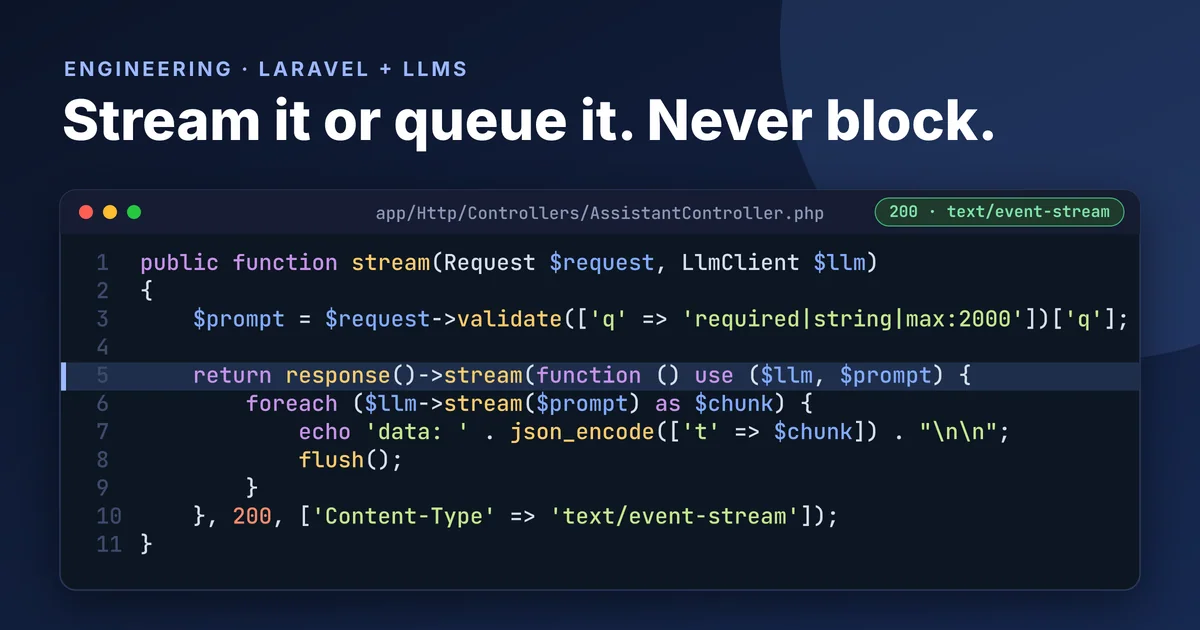
Interactive work, like a chat reply, should stream so the first words appear in under a second. Background work, like generating 40 exam papers, belongs in a queue.
Streaming with server-sent events#
public function stream(Request $request, LlmClient $llm)
{
    $prompt = $request->validate(['q' => 'required|string|max:2000'])['q'];

    return response()->stream(function () use ($llm, $prompt) {
        foreach ($llm->stream($prompt) as $chunk) {
            echo 'data: ' . json_encode(['t' => $chunk]) . "\n\n";
            ob_flush();
            flush();
        }
        echo "data: [DONE]\n\n";
    }, 200, [
        'Content-Type' => 'text/event-stream',
        'Cache-Control' => 'no-cache',
        'X-Accel-Buffering' => 'no', // stop Nginx buffering the stream
    ]);
}On the frontend, read it with EventSource or a fetch reader and append tokens as they arrive.
Queued generation#
class GenerateExamPaper implements ShouldQueue
{
    public int $tries = 3;
    public int $timeout = 120;

    public function backoff(): array { return [5, 30, 120]; }

    public function handle(LlmClient $llm): void
    {
        $paper = $llm->json($this->prompt(), schema: ExamPaper::schema());
        $this->exam->update(['content' => $paper, 'status' => 'ready']);
        broadcast(new ExamReady($this->exam));
    }
}
Use a dedicated queue (->onQueue('ai')) with its own workers, so slow AI jobs never block password-reset emails.
The boring parts that matter#
Always set a client timeout. A hung upstream connection should fail fast, then retry, rather than hold a worker forever.
Http::timeout(60)->connectTimeout(5)->retry(2, 500)->post($url, $payload);Identical prompts deserve identical answers. Hash the model, prompt and parameters and cache the result.
$key = 'llm:' . hash('xxh128', $model . $prompt . json_encode($params));
return Cache::remember($key, now()->addDay(), fn () => $this->call($prompt));
Log tokens per tenant and per feature. Without this you can’t price the product.
LlmUsage::create([
    'tenant_id' => $tenantId,
    'feature'   => 'exam_generation',
    'model'     => $res['model'],
    'input'     => $res['usage']['prompt_tokens'],
    'output'    => $res['usage']['completion_tokens'],
]);
A checklist before shipping#
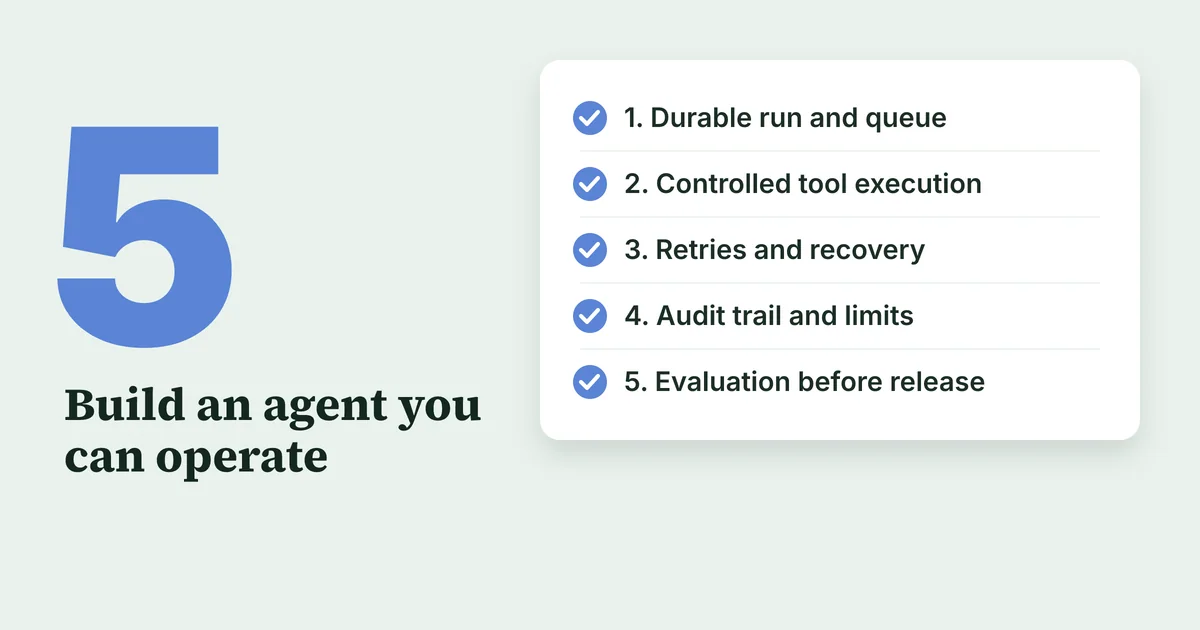
- Streaming for anything a user waits on
- Dedicated queue and workers for background AI jobs
- Timeouts, retries with backoff, and a clear failure state in the UI
- Cache for repeated prompts
- Per-tenant token and cost logging
- Rate limits per user, so one person can’t burn the monthly budget
Questions readers ask
Should AI features in Laravel be streamed or queued?
Stream the response when a user is waiting on screen, and queue the work when nobody is watching, such as batch generation or background summaries.
How do you make LLM calls reliable in Laravel?
Treat the model like a slow, unreliable third-party API: set timeouts, retry with backoff, cache repeated prompts, run AI jobs on separate queue workers and log the cost of every call.